You might have the best content on the internet for your topic, but if AI search engines cannot access and read your pages, none of it matters. AI crawlability is the technical foundation of generative engine optimization. If AI bots cannot crawl your site, they cannot cite your content. It is as simple as that.
If you are familiar with traditional technical SEO, you already understand the importance of making your site accessible to Googlebot. AI crawlability builds on the same principles but adds considerations specific to how AI platforms discover and process content.
Which AI Bots Are Crawling Your Site?
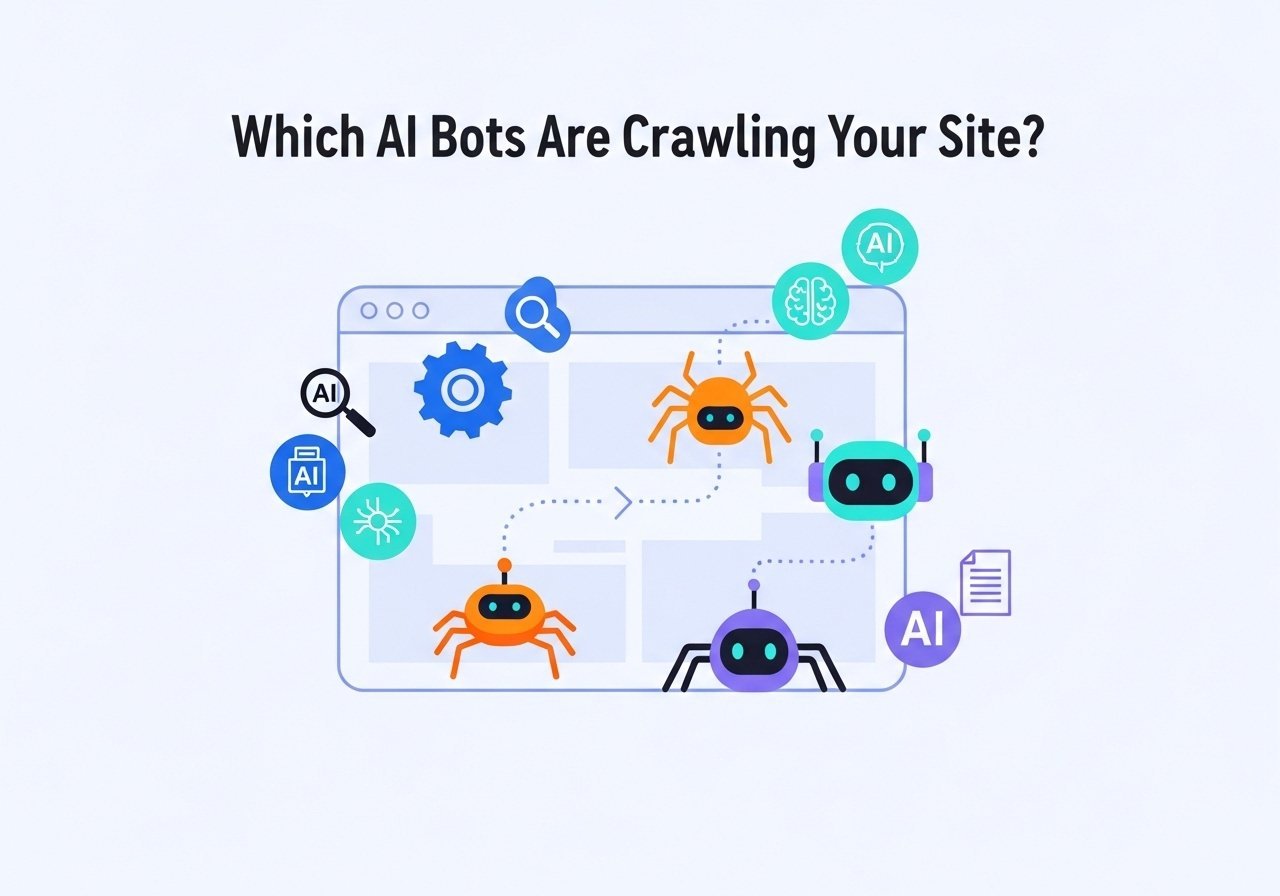
Several AI platforms send their own crawlers to discover and index web content, separate from Googlebot. The major ones include:
- GPTBot (OpenAI): Crawls content that may be used for ChatGPT training and browsing features
- PerplexityBot: Crawls pages in real time when users ask questions on Perplexity
- Google-Extended: Google’s crawler for AI training data (separate from Googlebot which handles search)
- ClaudeBot (Anthropic): Crawls content for Claude’s training and features
- CCBot (Common Crawl): An open web crawl used by many AI training datasets
Each of these bots can be individually allowed or blocked in your robots.txt file. The critical decision: if you block these bots, you are choosing to be invisible on those AI platforms.
Checking Your Robots.txt for AI Bot Access
Your robots.txt file is located at yoursite.com/robots.txt. Open it in your browser and check whether any AI bots are blocked.
Look for lines like:
User-agent: GPTBot

Disallow: /
This means you have blocked OpenAI’s crawler from accessing your entire site. If you want to be cited by ChatGPT, you need to remove this block.
Some WordPress security plugins and hosting providers automatically add AI bot blocks without telling you. This is one of the most common reasons sites are invisible to AI search despite having great content.
What your robots.txt should look like for maximum AI visibility:
- Allow GPTBot access (for ChatGPT visibility)
- Allow PerplexityBot access (for Perplexity citations)
- Allow Google-Extended access (for Google AI training)
- Keep your standard Googlebot rules unchanged
- Block only pages you genuinely do not want AI to access (admin pages, staging content, private areas)
Page Speed and AI Crawling
When Perplexity performs a real-time web search to answer a user’s question, it needs to retrieve and process your page quickly. If your page takes too long to load, the AI may skip it in favor of a faster-loading alternative.
This is the same principle behind traditional page speed optimization, but the stakes are different. Google might still rank a slow page if the content is excellent. Perplexity might simply not use it because it needs the information within seconds.
The speed optimizations that help with AI crawlability are the same ones covered in your technical SEO foundation:
- Compress and optimize images
- Minimize render-blocking JavaScript and CSS
- Use server-level caching and a CDN
- Keep your page size reasonable (heavy pages with dozens of scripts slow down AI retrieval)
Content Rendering and JavaScript
Some websites rely heavily on JavaScript to render content. The page loads as a blank shell, and JavaScript fills in the actual text and images after the initial load. This creates a serious problem for AI crawlers.
Most AI bots, like GPTBot and PerplexityBot, do not execute JavaScript. They read the raw HTML your server sends. If your content only appears after JavaScript runs, AI bots see an empty page.
To check whether this is an issue for your site:
- View your page source (right-click, “View Page Source” in your browser)
- Search for your article text in the source code
- If you can see your content in the raw HTML, you are fine
- If you only see JavaScript code and no readable content, AI bots cannot read your page
WordPress sites typically do not have this problem because WordPress generates HTML on the server. But if you use a JavaScript framework (React, Vue, Angular) for your front end, server-side rendering or pre-rendering is essential for AI crawlability.
XML Sitemap and AI Discovery
Your XML sitemap helps all search engines, including AI crawlers, discover your pages. Make sure your sitemap is:
- Submitted in Google Search Console
- Updated automatically when new content is published
- Only including pages you want AI to access (not thin pages, duplicates, or admin pages)
- Including accurate lastmod dates so crawlers know which pages have been recently updated
For AI platforms specifically, a fresh sitemap with accurate modification dates helps them prioritize your most recent content, which is especially important given AI engines’ strong preference for current information.
Structured Data for Machine Understanding
Beyond basic crawlability, schema markup helps AI bots understand what they are reading. A page without schema is like a book without a table of contents: the content might be great, but the reader has to work harder to find what they need.
Implement Article, FAQ, and Author schema at minimum. These give AI crawlers a structured map of your content that speeds up processing and increases the accuracy of citations.
Audit Your AI Crawlability
Here is a quick checklist you can run through today:
- Check robots.txt for AI bot blocks (GPTBot, PerplexityBot, Google-Extended)
- Verify your content is visible in raw HTML (not hidden behind JavaScript)
- Test page speed and ensure pages load within 2 to 3 seconds
- Confirm your XML sitemap is current and submitted
- Validate schema markup using Google’s Rich Results Test
- Check that your site uses HTTPS (AI bots prefer secure connections)
- Ensure internal links work properly (broken links waste AI crawl resources)
This audit takes 30 minutes and could be the difference between being cited and being invisible. Include it as part of your regular SEO audit process.
Want to know if all this work is actually paying off? Our next guide covers how to track AI search traffic in GA4 so you can measure the real impact of your GEO efforts.