You have optimized your content for AI search. You have structured your headings, added schema markup, and built your authority. But how do you know if any of it is working? Without tracking, you are flying blind.
The good news is that AI search traffic is trackable. Not perfectly, not with the same precision as Google organic traffic, but enough to understand whether your GEO efforts are producing results. Google Analytics 4 (GA4) is the primary tool for this, and with a few adjustments, you can start seeing AI referral data today.
How AI Traffic Shows Up in GA4
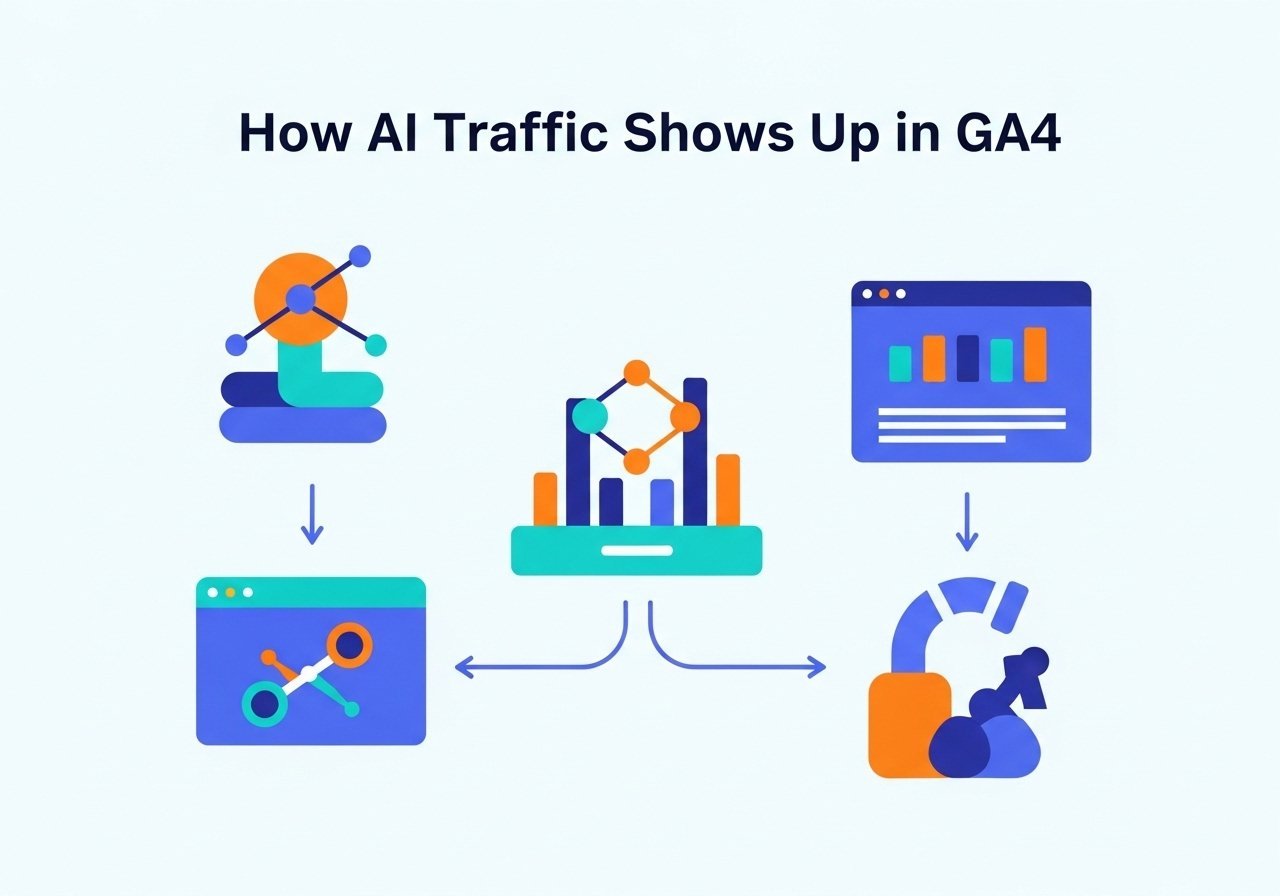
When someone clicks a link to your site from an AI platform, GA4 records it as referral traffic. The referring source shows the platform the visitor came from. Here are the sources to watch for:
- chat.openai.com or chatgpt.com: Traffic from ChatGPT
- perplexity.ai: Traffic from Perplexity
- gemini.google.com: Traffic from Google Gemini
- bing.com/chat: Traffic from Bing Chat / Copilot
- claude.ai: Traffic from Claude
To see this data in GA4, go to Reports, then Acquisition, then Traffic Acquisition. Change the primary dimension to “Session source” and look for the AI platform domains listed above.
If you do not see any AI traffic yet, that does not necessarily mean AI platforms are not citing you. Not all AI citations result in clicks. Sometimes your brand or content is mentioned in a response without the user clicking through. Tracking these non-click citations requires different methods, which we cover later in this guide.
Setting Up AI Traffic Tracking Properly
By default, GA4 groups all referral traffic together without distinguishing AI platforms from other sources. To get cleaner data, you can create a custom channel group that separates AI search traffic.
Here is how to set it up:
- In GA4, go to Admin, then Channel Groups under Data Display
- Click “Create new channel group”
- Name it something like “AI Search”
- Add conditions for each AI platform: source contains “chatgpt” OR source contains “openai” OR source contains “perplexity” OR source contains “gemini.google” OR source contains “claude.ai”
- Save the channel group
Once set up, you can filter your reports by the “AI Search” channel to see all AI-driven traffic in one view. This makes it easy to track trends over time and compare AI traffic to your organic search traffic.
What AI Traffic Metrics to Watch
Not all traffic is equal. AI referral traffic tends to behave differently from traditional organic traffic, and understanding these differences helps you evaluate its quality.
Volume and trend: The absolute number of AI referral visits matters less than the trend. Is it growing month over month? A small but steadily increasing stream of AI traffic signals that your GEO efforts are gaining traction.
Engagement rate: AI traffic often shows higher engagement than traditional search traffic because visitors arrive with more context about your content. Monitor time on page and pages per session.
Conversion rate: Track whether AI referral visitors take desired actions (signing up, contacting you, downloading resources). Early data from many sites shows AI traffic converts at equal or higher rates than organic search traffic.
Landing pages: Which of your pages receive the most AI referral traffic? This tells you which content AI platforms are citing most frequently. Double down on the topics and formats that work.
Device breakdown: AI search usage is growing fastest on mobile. Check whether your AI traffic skews mobile and ensure those landing pages provide a strong mobile experience.
Tracking Beyond Click-Through Traffic
Not all AI visibility results in a direct click to your site. When ChatGPT mentions your brand in a response without providing a link, or when Perplexity cites your content but the user reads the summary instead of clicking through, that visibility still has value.
Here are ways to track this non-click AI visibility:
Branded search volume. When AI platforms mention your brand, people often search for you directly on Google afterward. Monitor your branded keyword impressions and clicks in Google Search Console. A spike in branded searches can indicate growing AI visibility.
Manual citation audits. Set a weekly reminder to search your key topics on ChatGPT, Perplexity, and Google (with AI Overviews). Note whether your brand or content is mentioned. Keep a simple spreadsheet tracking: date, platform, query, mentioned yes/no, link provided yes/no.
Social listening. Monitor mentions of your brand on social media and forums. People sometimes share AI responses that mention your brand, which gives you visibility data you would not find in analytics.
Specialized GEO tools. Platforms like Semrush’s AI Visibility Toolkit, Scrunch, and HubSpot’s AI Search Grader provide systematic citation tracking across AI platforms. Our GEO tools guide covers the best options available.
Building a Monthly AI Visibility Report
Combine all of these data sources into a simple monthly report that tracks your GEO progress:
- Total AI referral sessions (from GA4)
- AI traffic trend (month over month growth percentage)
- Top landing pages for AI traffic
- AI traffic engagement rate vs. organic search engagement rate
- Branded search volume trend (from Search Console)
- Manual citation audit results (which platforms cite you, for which topics)
- Competitor citation comparison (who appears where you do not)
This report gives you a clear picture of whether your GEO investment is paying off and where to focus your efforts next. It also makes it easy to communicate AI visibility progress to clients or stakeholders.
Start Tracking Today
Setting up AI traffic tracking in GA4 takes about 10 minutes, and it should be a standard part of any content marketing measurement setup in 2026. Even if your AI traffic numbers are small today, establishing the tracking baseline now means you will be able to measure growth as AI search adoption continues to accelerate.
The next metric to understand is even more specific to GEO. Our guide on share of voice in AI search explains how to measure how often your brand appears compared to competitors across AI platforms.